
You tell an assistant that you left a company in March. A week later, it drafts an introduction describing you as that company’s head of operations.
The sentence is wrong, but the cause could be any of several things. An old chat may still describe the role accurately for its date. A saved memory may have turned that past fact into a current one. A connected document may be newer than the correction. Or the answer may be drawing a conclusion that was never stated anywhere.
Typing the correction again can fix the next reply without telling you which of those happened.
To make a correction stick, work out three things: which fact is wrong, where the assistant got it, and what you want to happen to it. Then make the change and test it in a new chat. A short record is enough; you do not need to audit an entire account before correcting one wrong job title.
Name the error before editing
Consider these fictional cases:
| Answer says | What is wrong | Correction to make explicit |
|---|---|---|
| You are still at your previous company | Time boundary was lost | The role ended in March; it is historical experience |
| You prefer every response in bullet points | A preference was generalized | That format was requested for one document |
| Jordan is your client | Identity or relationship was inferred | Jordan was a speaker you met once |
| An old preference keeps appearing | You no longer want it used | Identify whether you want suppression, correction or deletion |
Each row calls for a different instruction. “Stop mentioning my old employer” may hide a detail you still want in a résumé. “Delete the incorrect current-role memory but retain my work history” asks for a more precise result, where the product offers that control.
The memory correction log has separate fields for the disputed claim, the date, the likely source, the change you asked for and the test result.
Correcting memory in ChatGPT
OpenAI’s current help page directs users to Settings → Personalization → Memory, and notes that the controls there vary by plan, region, platform and workspace. Go by the controls in your own account instead of a screenshot from a different memory experience. [1]
ChatGPT can remember something in two ways, and they are removed differently. A saved memory is stored separately from your chats: deleting the chat it came from does not automatically delete it, and deleting the saved memory does not remove the detail from past conversations. With Reference chat history on, ChatGPT also draws on your earlier conversations. Turn that setting off and OpenAI says what it remembered from past chats is scheduled for deletion within 30 days, while the chats themselves stay in your history unless you delete them. [1]
Where a memory summary is available, correct the detail there or in the saved-memory controls. “Don’t mention this again” changes future references without removing the original source. A detail can also remain in chats, Library or Space files, or a connected app; remove those sources separately when that is your aim. Current OpenAI memory controls.
All of this describes ChatGPT, not an interface every assistant shares. A dot, the agent OpenAI offers inside ChatGPT, keeps memories of its own, and OpenAI’s help page says the way to delete those is to delete the dot. The steps in this article apply to regular ChatGPT memory. [2]
Keep historical facts historical
Suppose the old conversation says: “I lead operations at Cedar Studio.” It was true when written. Removing every mention of Cedar may destroy useful employment history and still leave the real problem, an undated summary, unexplained.
A better correction includes the change and its date: “I worked at Cedar until March. Since April, I have worked independently.” Then check what was remembered, where the product lets you inspect it.
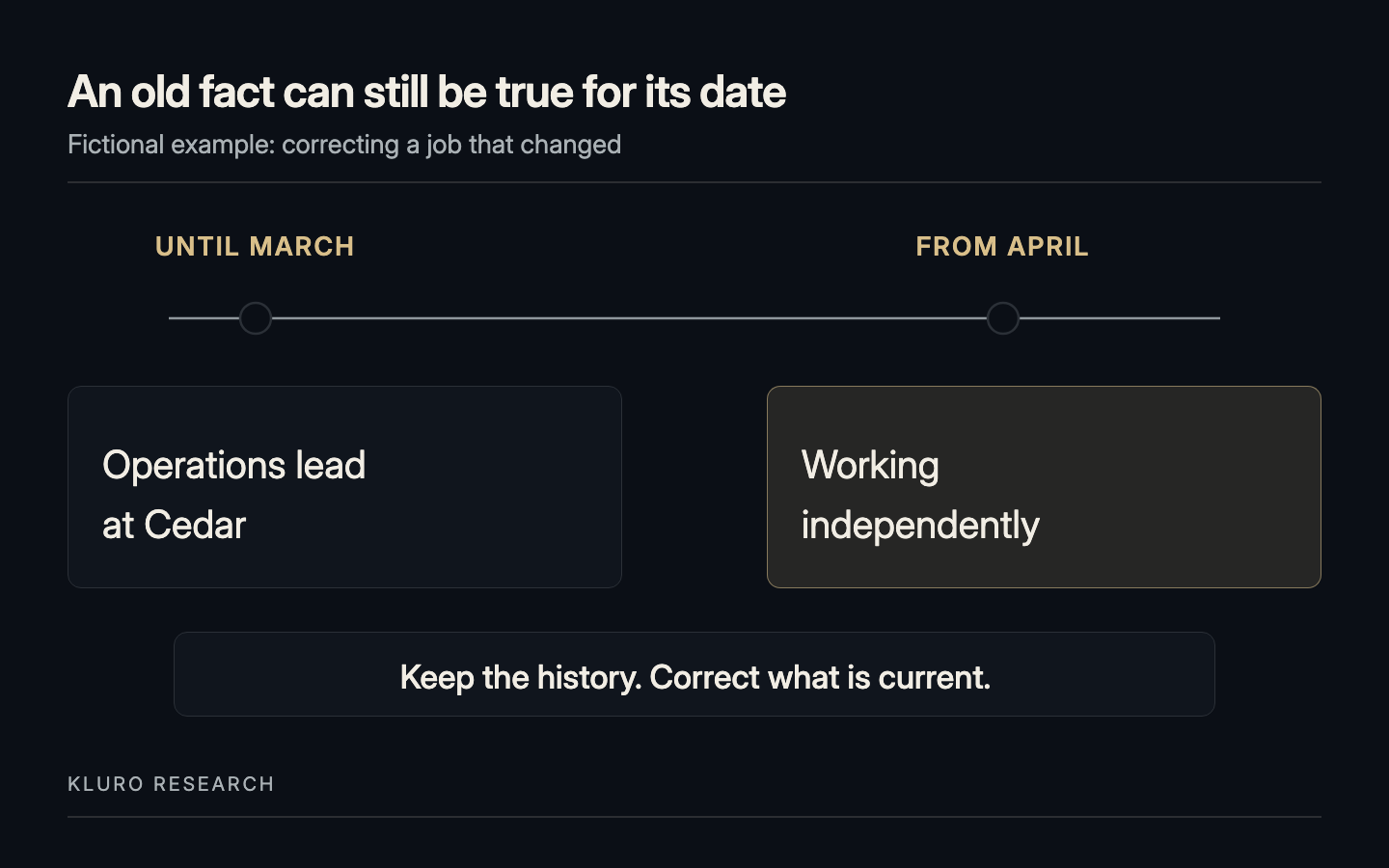
The same approach works when a project changes hands, or when a name, location or preference changes. Say what was true and when it changed. An assistant asked about last year should not have to answer with today’s description.
If you cannot identify the source, say that in your log; a plausible explanation is still a guess. The assistant’s own explanation of why it produced a sentence may be incomplete; use the source or memory controls the product shows you, where it has them.
Separate correction from removal
Decide what you want before you use a control that deletes anything. There are at least three choices: correct the fact and keep the history, stop a detail from coming up in ordinary responses, or remove what the system has kept, where it supports deletion.
For a correction, give the replacement and the date. To stop a detail coming up, describe the situations in which it should no longer appear. For removal, follow the product’s current instructions for both the original source and whatever was saved from it. A control labelled “forget” may not cover every copy in a connected account.
Not every product offers all three. Before an irreversible change, keep a copy of anything you legitimately need, and follow workplace rules for organizational records.
Retest a real task
After making the change, try the kind of request that produced the error. For example: “Draft a short introduction for my next client call.” Check whether the output uses the current role and leaves out the incorrect relationship.
If the history matters, ask about that too: “What was my role last year?” The assistant should still know the old role as history.
Run the check in a new regular conversation, so the correction you just typed is not doing all the work. In ChatGPT, an Unpersonalized temporary chat is no use for this: it ignores your existing memories, so a correct answer there says nothing about the fix. A temporary chat can use existing memories if you choose that before it starts, but it never creates or updates them, so do not make the correction itself in one. [1]
Record the date, the kind of chat and the result. If the error comes back, look at the source evidence the product shows before you make several unrelated changes at once. Otherwise you cannot tell which change affected the answer.
A passing test shows that one task came out right in that chat. A new chat that no longer repeats the detail does not prove that every retained copy is gone, or that the assistant can never make the mistake again. Note that limit in your log, and test the fix anyway.
Prefer tools that let you inspect what they remember
Kluro links answers back to the conversations behind them, and lets you link or separate people it has matched. It deletes a summary when a source that summary cites is removed. The privacy policy describes that relationship between sources and interpretation. [3]
When you choose a tool, ask whether you can find and inspect the thing being remembered. If you can, you have a concrete place to check the role, date or promise an answer describes.
Sources
- Memory in ChatGPT — OpenAI Help Center. Living documentation. Reviewed 30 September 2026.
- Getting started with your dot — OpenAI Help Center. Living documentation. Reviewed 30 September 2026.
- Kluro privacy policy — Kluro. Living documentation. Reviewed 22 November 2026.