
Take one conversation you want an app to remember. There are four useful questions: where it reads the conversation, where it saves a copy, where it produces the answer, and what remains when you remove it.
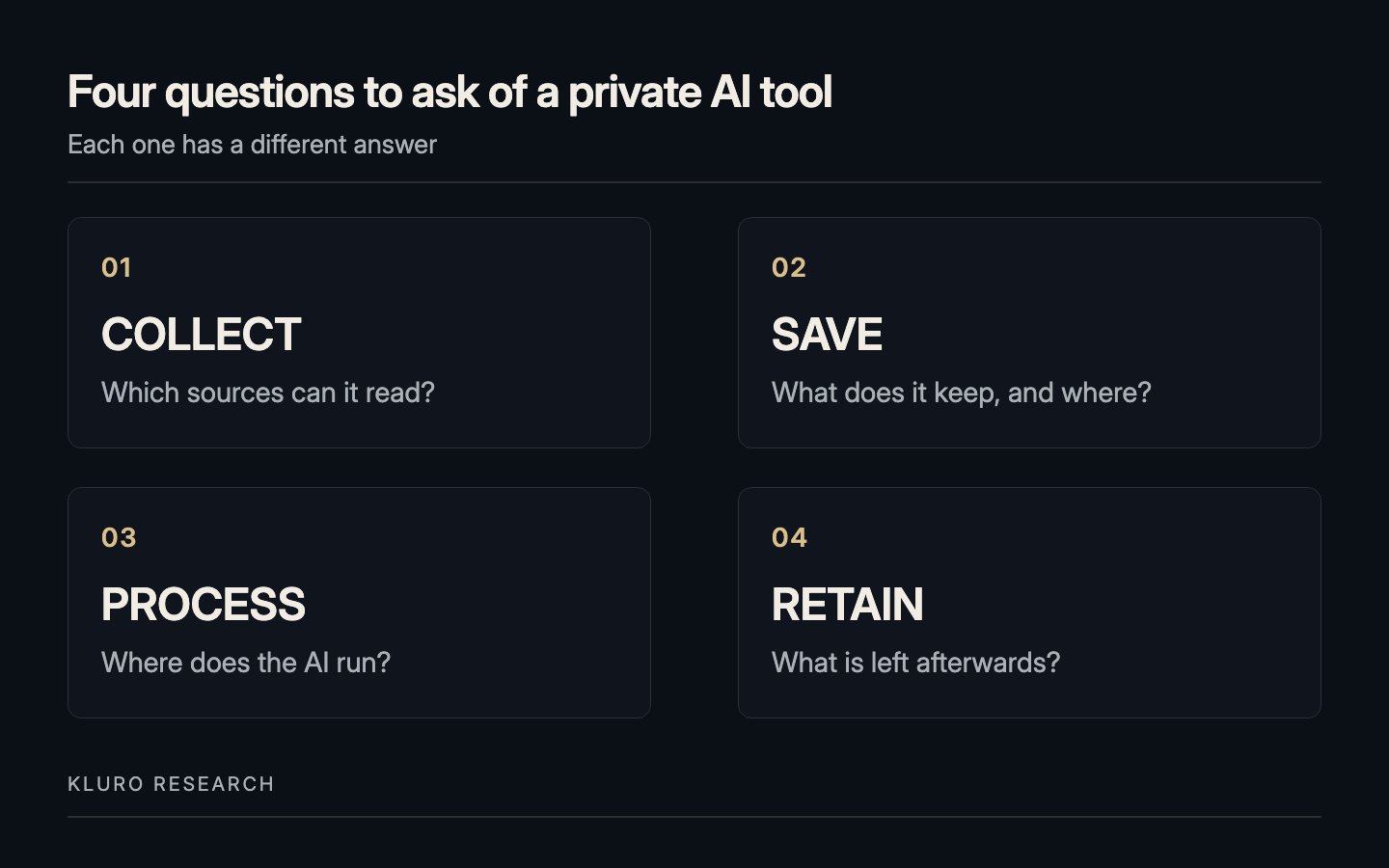
| Step | What to establish |
|---|---|
| Source access | Which account, conversation or device supplies the information? |
| Saved memory | Where do originals, summaries and other derived context persist? |
| AI processing | Which parts run on your device, and which go to a service? |
| Removal | What stops syncing, what gets deleted and what exported copies remain? |
The connection is only the first step.
A permission screen tells you what an app can read. It does not, by itself, tell you where the app stores what it imports or which service processes a question.
In Kluro, Gmail and the other cloud connections supply information to your Kluro account. iMessage and Messenger use a Mac companion for source access. Their credentials remain on the Mac; the messages it syncs become part of the cloud account. [4]
A saved copy and a synced summary are both information.
An app may keep originals in one place and sync a summary elsewhere. Queue, for example, says its message summaries live in private iCloud while timestamps and participant information can reach Queue’s servers. [1]
Kluro stores imported conversations, people and derived context on its own servers. That is why the same context is available from iPhone and the web, including already-synced Mac-source history while the Mac is offline. [4]
Where the model runs is a separate question.
Queue documents analysis on the Mac or through Apple Private Cloud Compute. Apple describes the latter as cloud processing with its own privacy requirements. Those requirements belong to Apple’s system; a different cloud service has its own terms. [1] [2] [3]
Kluro uses AI providers to process relevant excerpts for answers and ongoing understanding. A Mac companion provides access to a source; it does not make Kluro’s model processing local. [4]
Separate stopping, removing and exporting.
Disconnecting a source stops new access. Removing its imported data addresses the copy held in the app. An export you downloaded is another copy, under your control. These are different actions, so find the one that matches what you want to do.
Kluro exposes connection controls in Settings → Connections and export or account deletion in Settings → Your data. Its policy describes the scope and retained records. Find the controls. [4]
Use the same four questions for the next app.
Start with the source you care about, then follow one example through the product. This works for a relationship tool, meeting notes or a general assistant. “Cloud,” “local,” “encrypted” and “no training” each answer a different part of the picture.
The original September 2026 worksheet remains available. This updated article covers the current Kluro cloud product and companion; it is a reading of published data flows, not an independent security audit.
Sources
- Sync and data handling — Queue. Checked 22 November 2026.
- Private Cloud Compute core requirements — Apple Security Research. Living documentation. Checked against the 28 September 2026 research cutoff.
- Private Cloud Compute — Apple Security Research. 2024-06-10. Checked against the 28 September 2026 research cutoff.
- Privacy policy — Kluro. Checked 22 November 2026.